
Dark Crown Line Fix: see it on your own smile first
Remove the dark gray line at the gumline of an old crown.
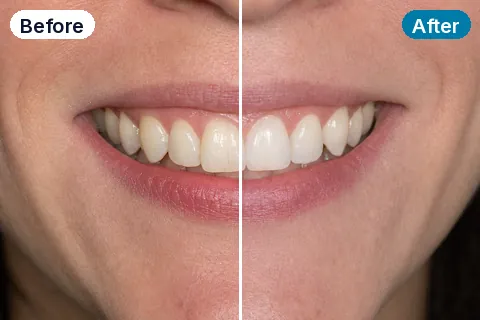
See a real Smyly™ simulation
Shown at its Line Removed setting · drag the divider
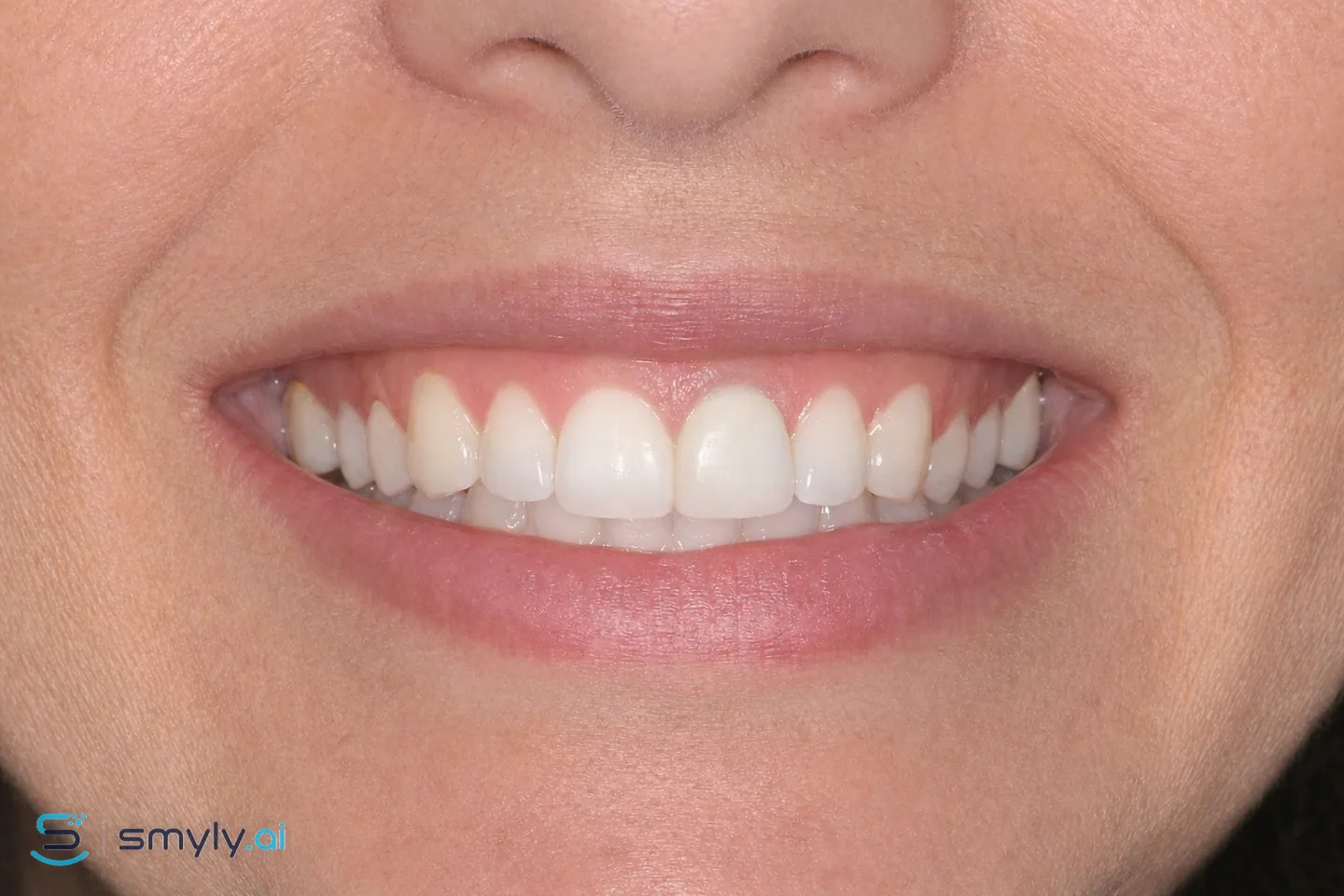 After
After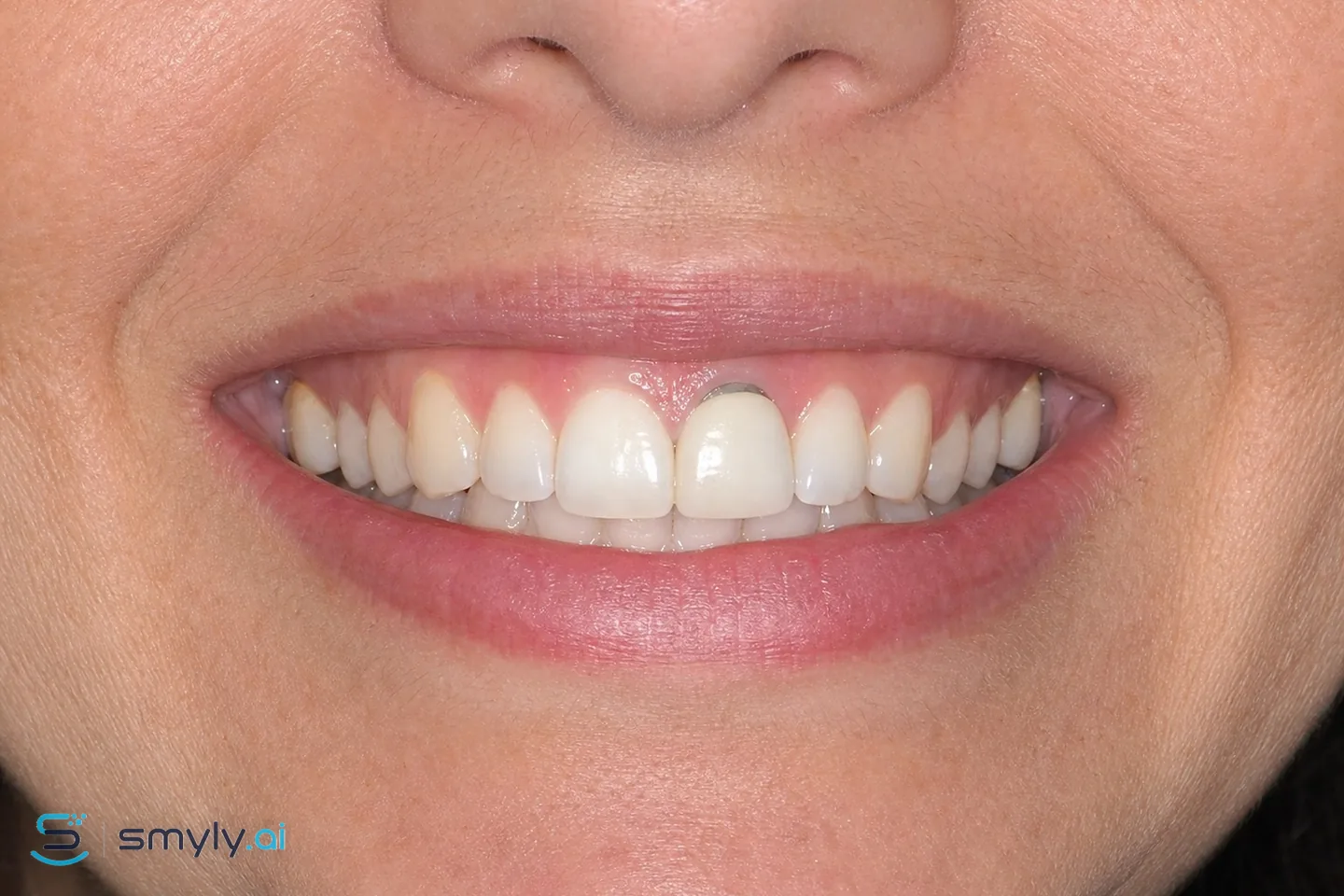 Before
The after image is the unretouched simulation returned by the same Smyly™ engine that builds patient previews; only our watermark was added. Your preview is built from your own photo.
The thin dark line at the gum edge of an older crown is usually the metal margin of a porcelain-fused-to-metal crown showing, either because the gum has receded slightly, or because the metal shadows through the gum tissue.
The usual fix is replacing the crown with an all-ceramic one, which has no metal to show. It's one of those small details that, once fixed, makes the whole tooth read as natural again.
The honest limits of this preview
None. A preview can't see bone, bite, gum health or anything beneath the surface. Only a clinical exam can. Treat it as a conversation starter for your dentist, never as a promised result.
Worth asking your dentist
- Is my dark line the crown's metal margin, or something else (like a stained root surface)?
- Is the crown otherwise sound, and what would replacement involve?
- Will my gumline stay put, or could recession expose a new margin later?
Related previews
-
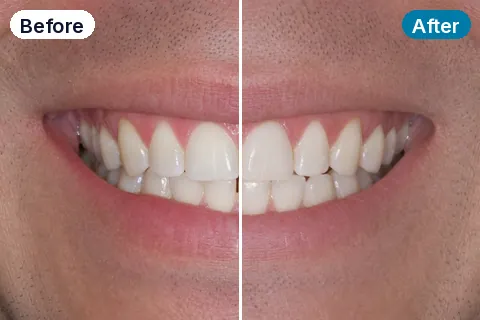 Single Dark Tooth Lighten one darkened tooth so it matches the teeth beside it.
 -
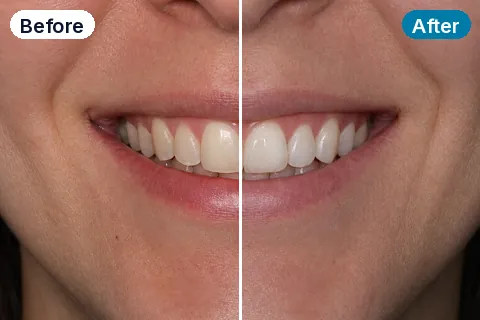 Enamel Defect Repair Smooth and blend pitted, grooved or patchy developmental enamel.
 -
 Craze Line Smoothing Reduce the visible hairline lines in front-tooth enamel.
 -
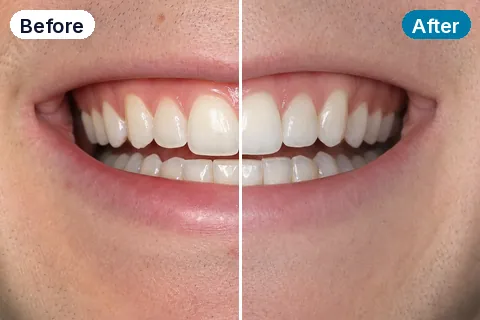 Chipped Tooth Repair Rebuild a chipped or broken front tooth edge.
Curious? Look before you decide.
One photo, on your own phone. See your smile with dark crown line fix and decide with your eyes.
Try a free previewEducational content and visualization only. Smyly™ previews are AI simulations, not medical advice, not a diagnosis, and not a guarantee of results. Individual results vary and depend on a clinical exam by a licensed provider.